Resource Highlights
Accurate camera calibration is essential for maintaining advanced driver assistance systems (ADAS) like 360-degree view.
In this video, Matt, our Delphi expert, walks you through the step-by-step process for calibrating the 360 camera system on a Skoda Enyaq using the Delphi DS Hub, including how to:
- Position and align the 360 camera calibration mats
- Use laser tools for precise target alignment
- Access camera calibration via the DS diagnostic software
- Run the 360-degree camera calibration function
- Verify calibration success through visual and system confirmation
Why is 360 camera calibration important?
360-degree cameras assist with manoeuvring and parking. If the cameras are misaligned, the system may provide inaccurate or misleading images, which can pose a safety risk. Calibration ensures the stitched panoramic image is accurate.
How do I know if the calibration was successful?
The status on the display will read “SUCCEED” for all camera views. Additionally, you can compare the pre- and post-calibration images.
Where do I find the camera calibration settings in the software?
From the DS Hub, select DS-Cars, enter the vehicle’s registration, then navigate using QuickFind to search “camera”. From there, you can access the 360 camera calibration function.
Do I need to do anything after calibration?
Yes and no. After a successful calibration, simply allow this particular vehicle to enter sleep mode so it can store the new settings properly.
Diagnostics
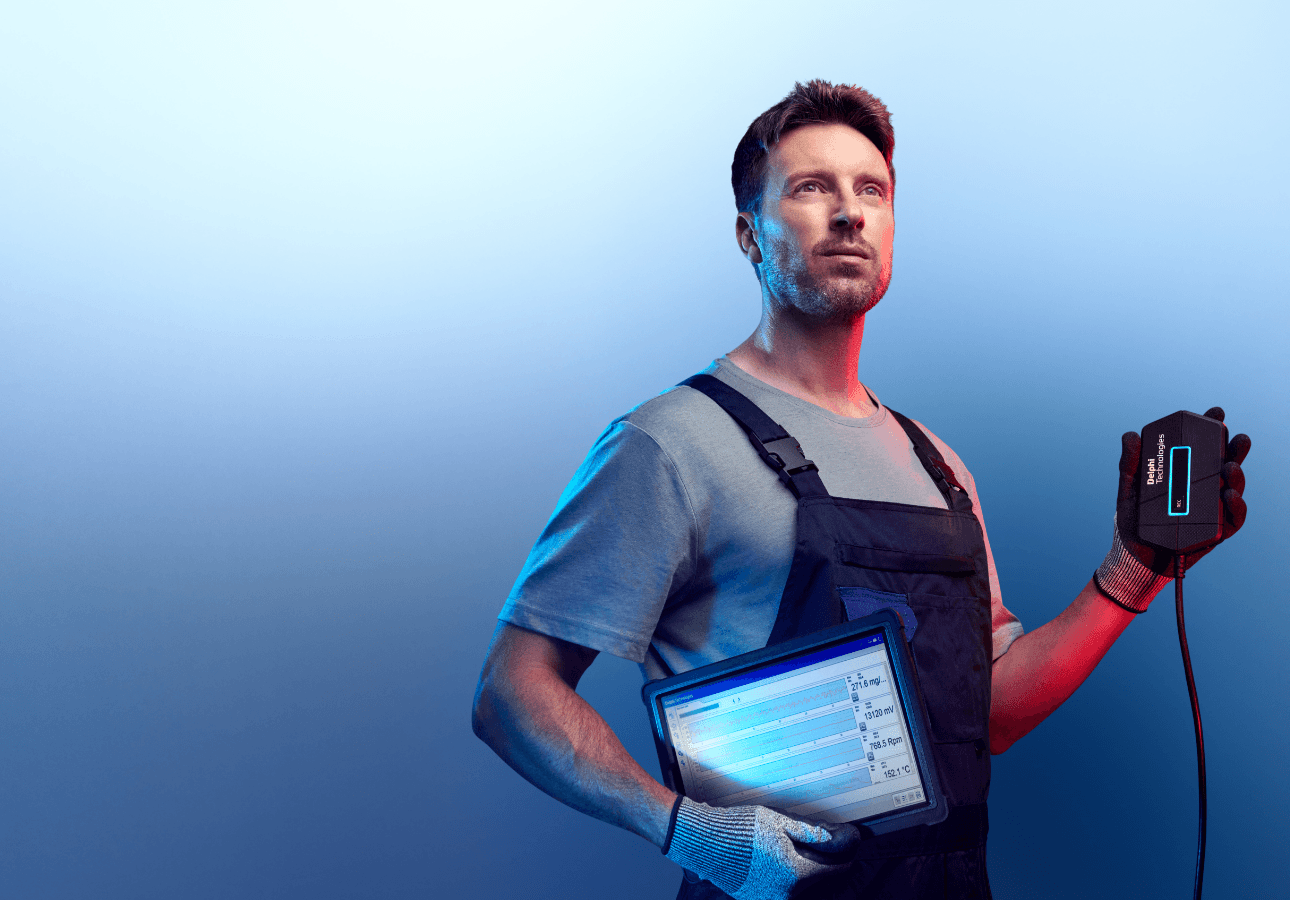
Discover our extensive range of OE-level diagnostic and test equipment for quicker, more accurate servicing and repairs.
Training
Choose from our expert-led, accredited training courses to enhance your skills and prepare you for the vehicles of tomorrow.
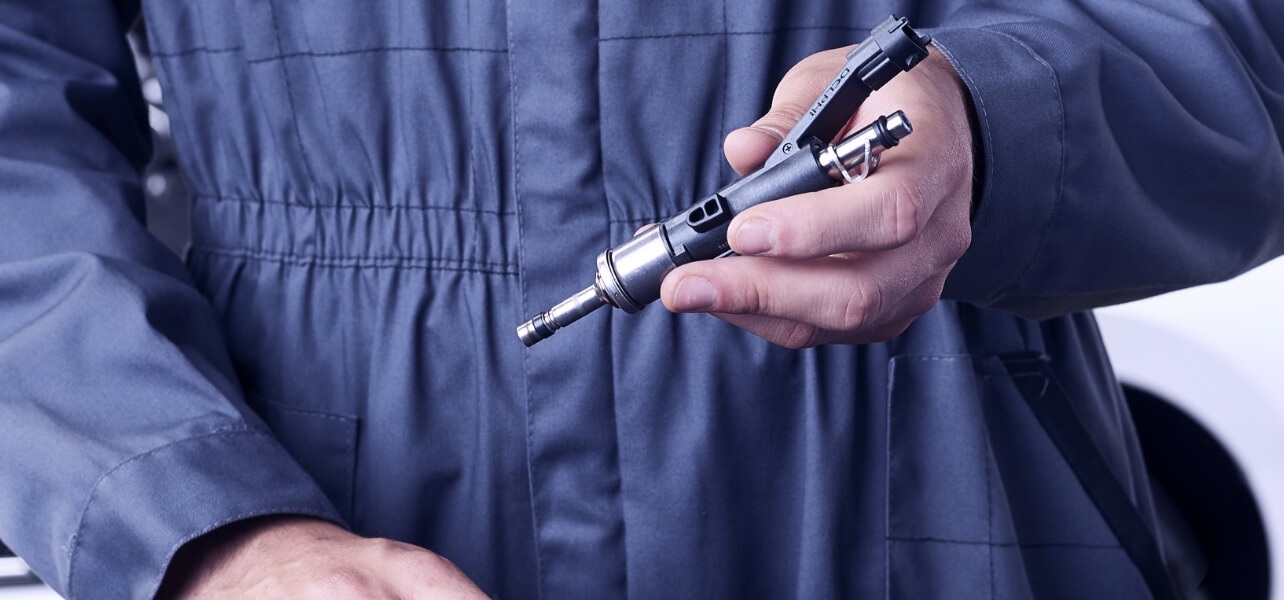
Find out where to buy Delphi parts