Resource Highlights
Here we’re looking at how to perform real-time data recording in a vehicle.
You’ll need a BlueTech diagnostic tool to do it.
Our Delphi expert, Miguel, walks you through the correct procedure step by step, from understanding the symptoms the vehicle is displaying to settling on a diagnosis and proceeding with a repair.
In this video we’ll show you how to:
- Connect your BlueTech tool
- Identify the vehicle by VIN
- Monitor in real-time what’s happening in each system
- Use the time tag function
- Analyse the recorded session to help you identify the problem
Why is real-time data recording useful?
It makes it possible for you to record information from a system while driving the vehicle. You can then play back the recording help you diagnose faults.
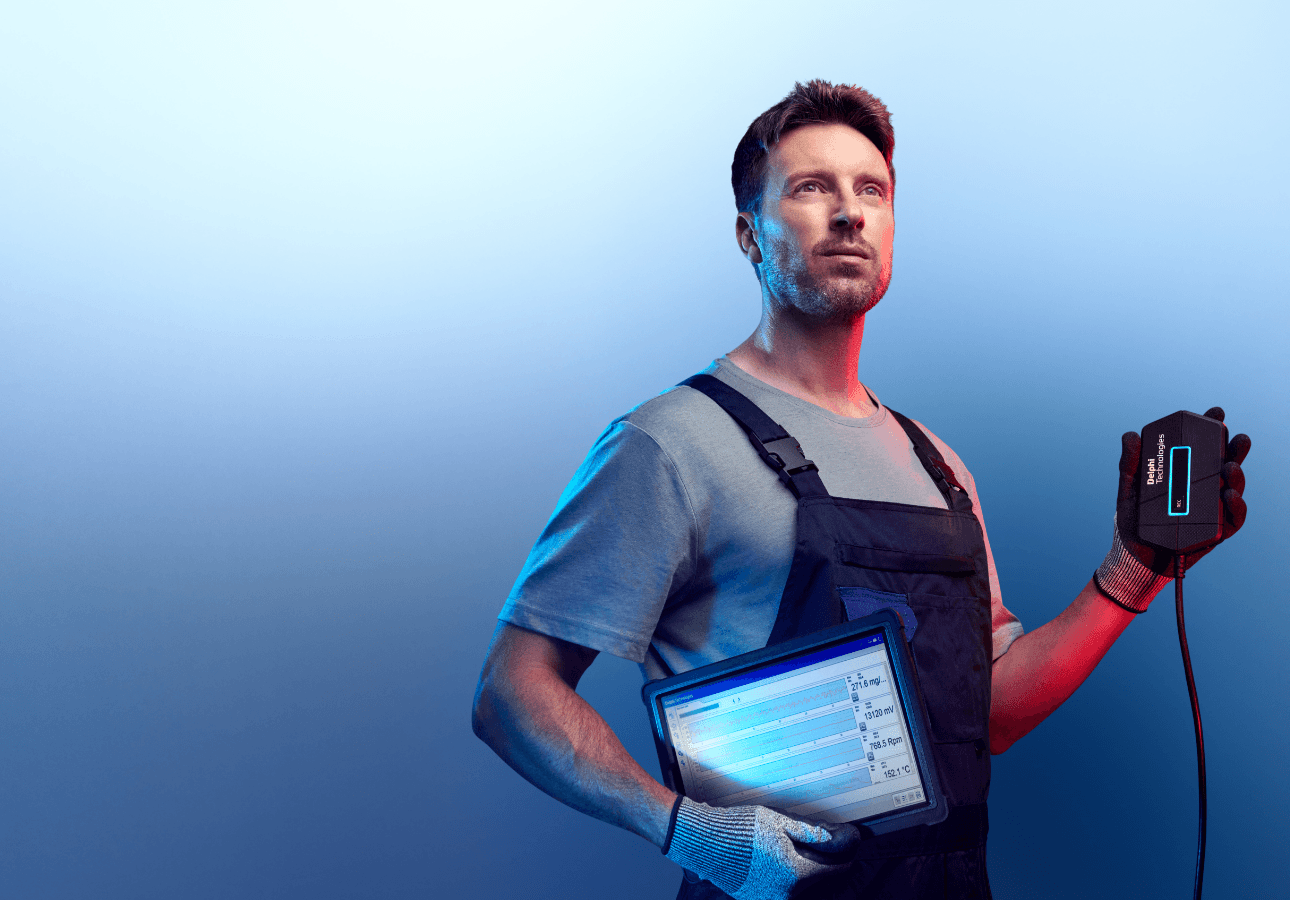
Diagnostics
Discover our extensive range of OE-level diagnostic and test equipment for quicker, more accurate servicing and repairs.

Training
Choose from our expert-led, accredited training courses to enhance your skills and prepare you for the vehicles of tomorrow.
Find out where to buy Delphi parts