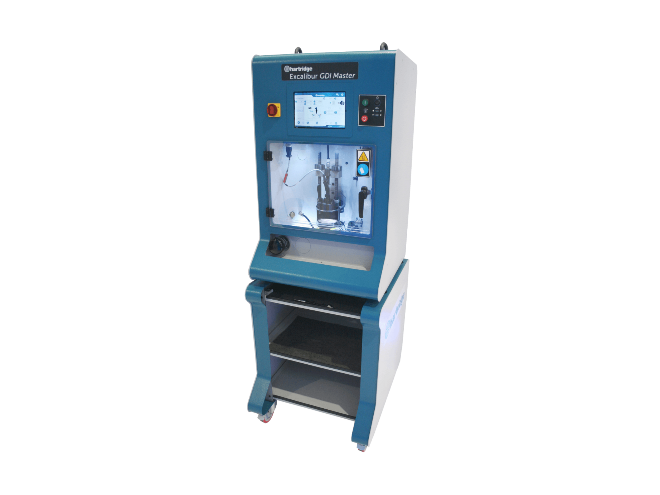
- Product Information
- Product Resources
- Enquire
- Related Products
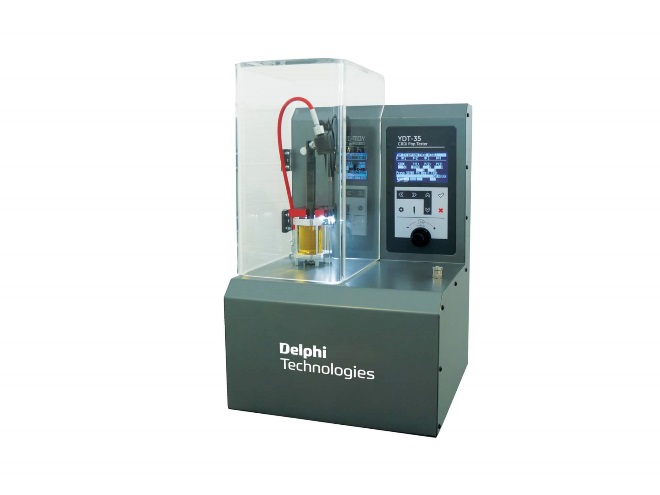
Excalibur GDi Master Key Features
-
All-Makes Coil & Piezo injector testing capability
-
Innovative spray pattern evaluation
-
Integrated back-flush function
-
Ideal for injector diagnostics & refurbishment
-
Easy operation; low-level operator knowledge needed
-
OE level high pressure and high flow rate test capability
-
Compact workshop footprint
Amazing Revenue Opportunities in Emerging GDI Market
The Excalibur GDi Master offers a fast return on investment with high profit opportunities & low-cost entry requirements. The Excalibur GDi Master enables a workshop to get customer vehicles back on the road faster & with a low-cost alternative to new injector replacement.
The Excalibur’s unique functionality enables workshops to generate high levels of profit using an injector test-refurbishment-retest process. The plug-and-play nature of this compact machine mean a workshop can easily implement GDI and PFI testing and offer even more services to their customers.
The Delphi Difference
-
100 years of OE experience, supplier to the world’s top automakers
-
OE heritage and knowledge built into every aftermarket part
-
Comprehensive portfolio for a wide range of vehicles and model years
-
Streamlined SKUs for easy inventory management
-
Support through tools, tips and training

Related product resources and downloads
Resource Highlights
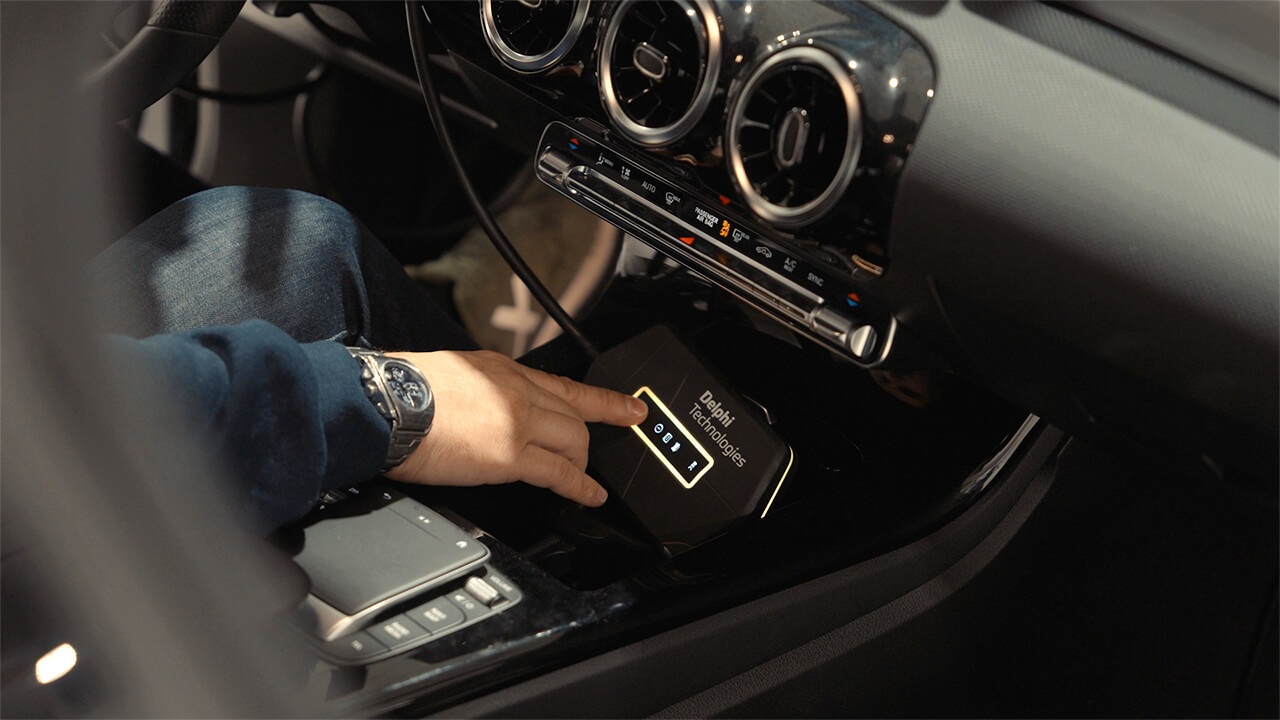
Here we’re looking at how to perform real-time data recording in a vehicle.
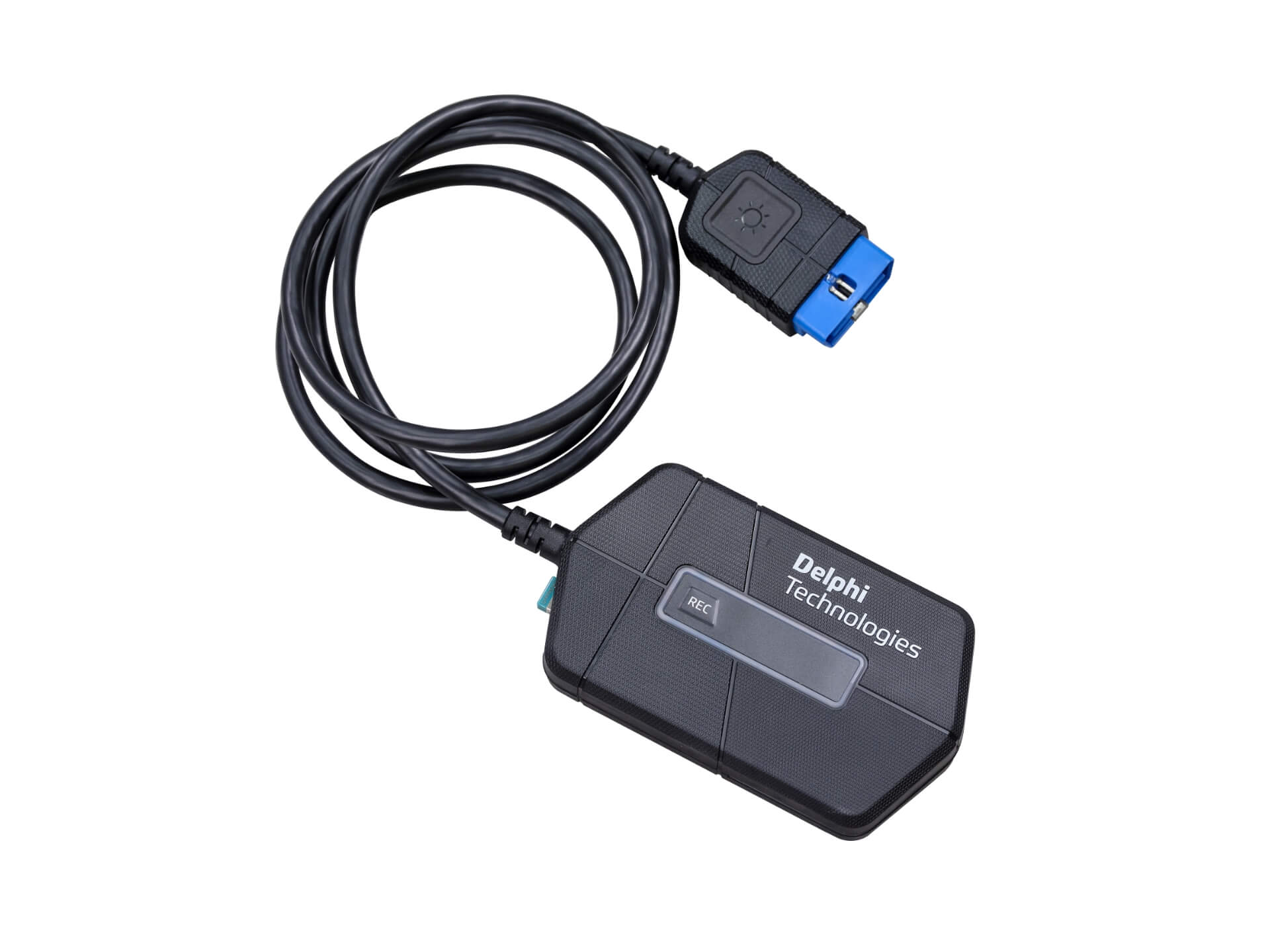
You’ll need a BlueTech diagnostic tool to do it.
Our Delphi expert, Miguel, walks you through the correct procedure step by step, from understanding the symptoms the vehicle is displaying to settling on a diagnosis and proceeding with a repair.
In this video we’ll show you how to:
- Connect your BlueTech tool
- Identify the vehicle by VIN
- Monitor in real-time what’s happening in each system
- Use the time tag function
- Analyse the recorded session to help you identify the problem
Why is real-time data recording useful?
It makes it possible for you to record information from a system while driving the vehicle. You can then play back the recording help you diagnose faults.

Visit our Technician Library for access to Documents and Downloads
Get in touch
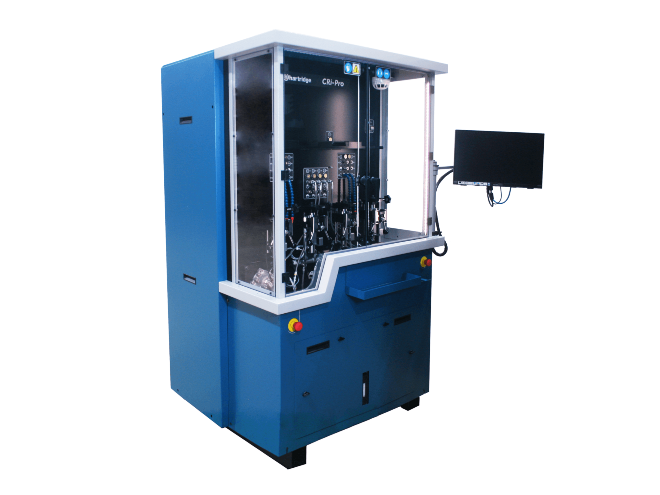
Find out where to buy Delphi parts