Resource Highlights
Accurate camera calibration is essential for maintaining advanced driver assistance systems (ADAS) like 360-degree view.
In this video, Matt, our Delphi expert, walks you through the step-by-step process for calibrating the 360 camera system on a Skoda Enyaq using the Delphi DS Hub, including how to:
- Position and align the 360 camera calibration mats
- Use laser tools for precise target alignment
- Access camera calibration via the DS diagnostic software
- Run the 360-degree camera calibration function
- Verify calibration success through visual and system confirmation
Why is 360 camera calibration important?
360-degree cameras assist with manoeuvring and parking. If the cameras are misaligned, the system may provide inaccurate or misleading images, which can pose a safety risk. Calibration ensures the stitched panoramic image is accurate.
How do I know if the calibration was successful?
The status on the display will read “SUCCEED” for all camera views. Additionally, you can compare the pre- and post-calibration images.
Where do I find the camera calibration settings in the software?
From the DS Hub, select DS-Cars, enter the vehicle’s registration, then navigate using QuickFind to search “camera”. From there, you can access the 360 camera calibration function.
Do I need to do anything after calibration?
Yes and no. After a successful calibration, simply allow this particular vehicle to enter sleep mode so it can store the new settings properly.
SIGN UP TO FIND MORE
Fill up your details to hear more from our experts and get the latest updates from Delphi.
Diagnostics
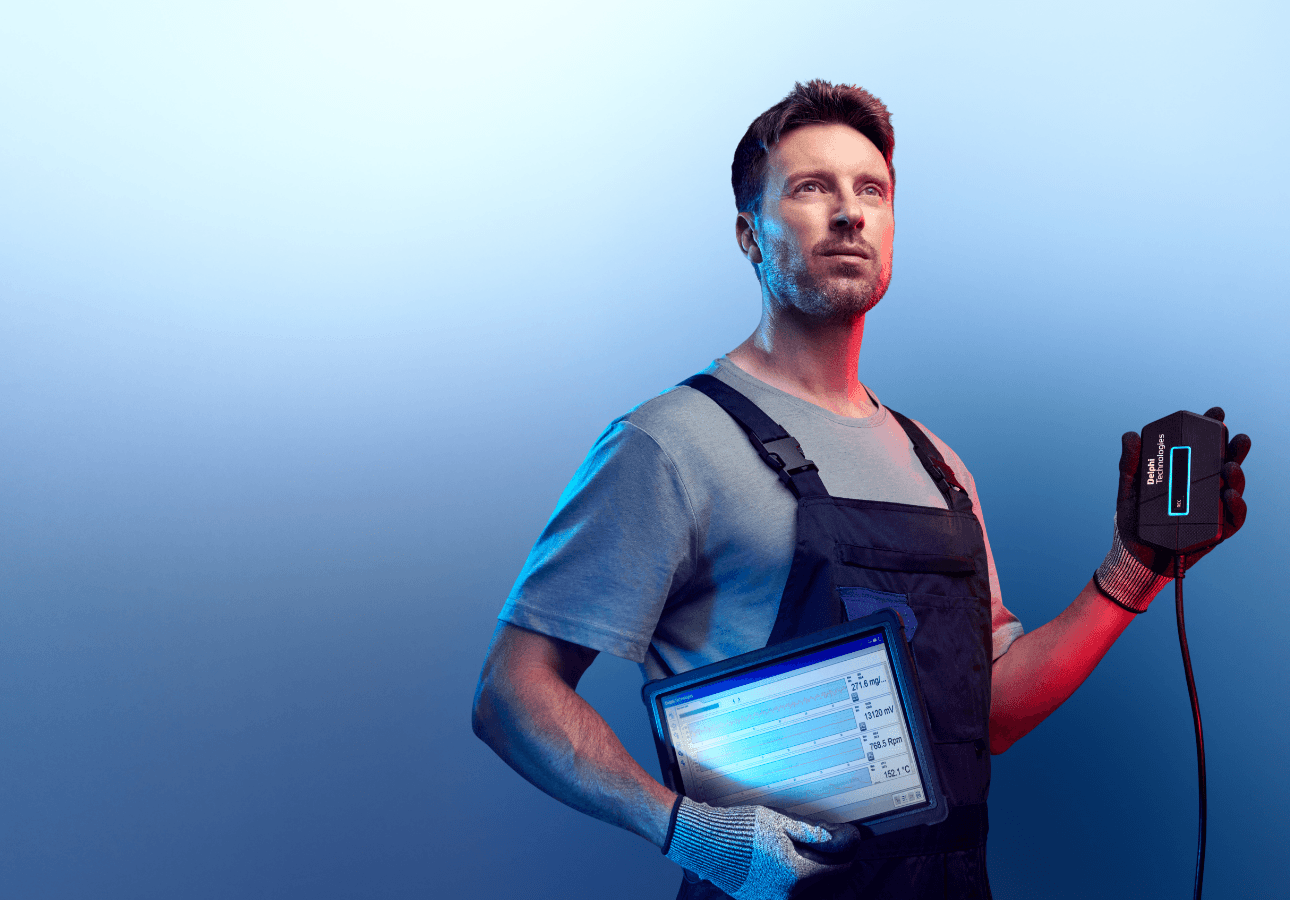
Discover our extensive range of OE-level diagnostic and test equipment for quicker, more accurate servicing and repairs.
Training
Choose from our expert-led, accredited training courses to enhance your skills and prepare you for the vehicles of tomorrow.
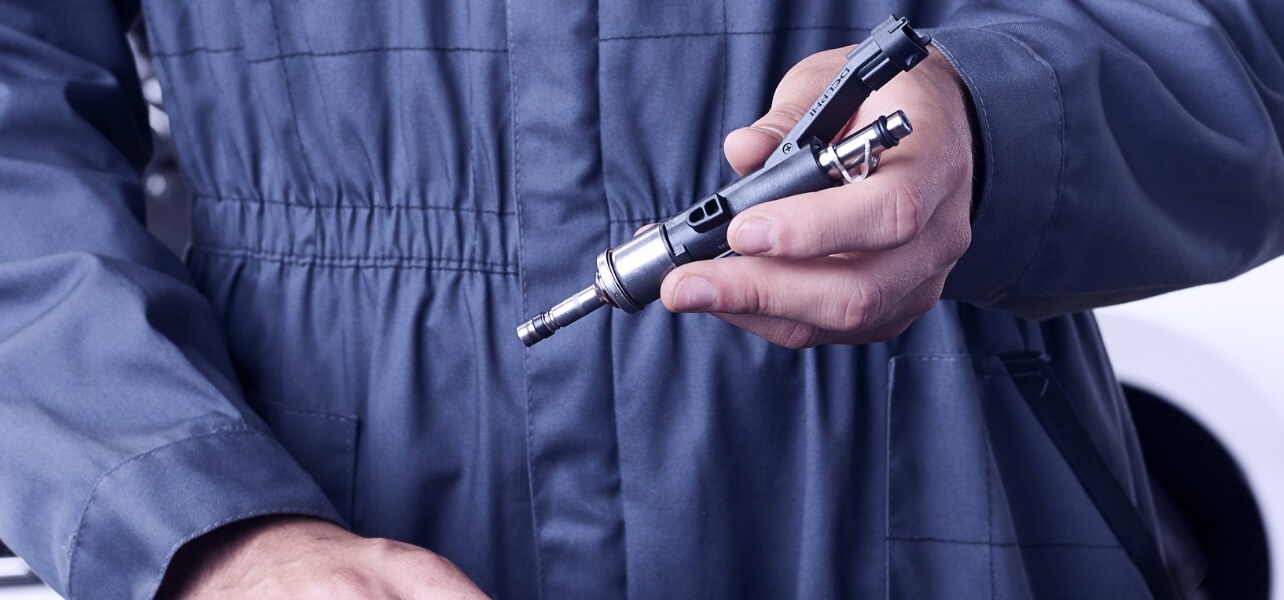
Find out where to buy Delphi parts