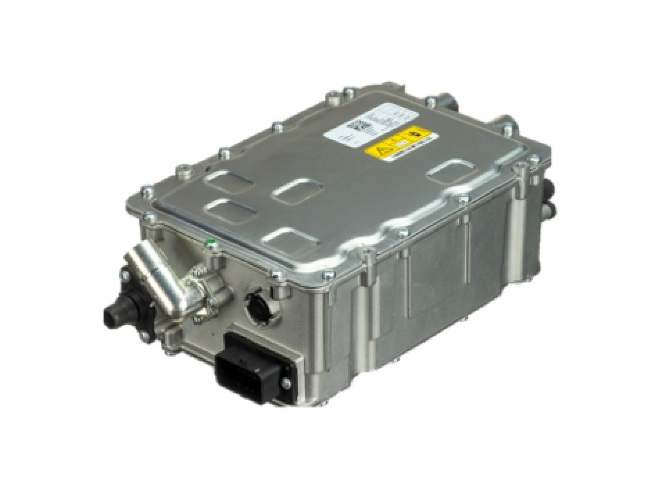
- Product Information
- Product Resources
- Enquire
- Related Products
OE Part Number | Applications | DT Part Number |
61449456002 | BMW/MINI 225XE (F45) , X1 (F49), X5 (F15) | PHV10000-12B1 |
What is an onboard charger for an electric vehicle?
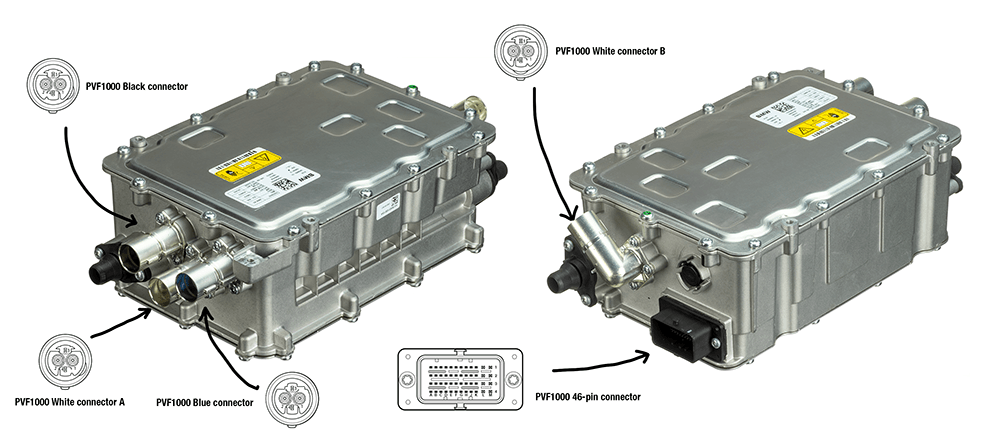
Unlike internal combustion engines, plug-in hybrid electric vehicles (PHEV) and battery electric vehicles (BEV) use an electric traction motor to drive the vehicle’s wheels. The onboard charger charges the traction battery pack, and the energy stored in the battery is then used to power the electric motor.
When an electric vehicle is plugged into a household outlet or a level 2 charger, the charging cable pulls alternating current (AC) from the power grid and sends it to the onboard charger. In order to store the electric power in the battery, the onboard charger must then convert AC to direct current (DC).
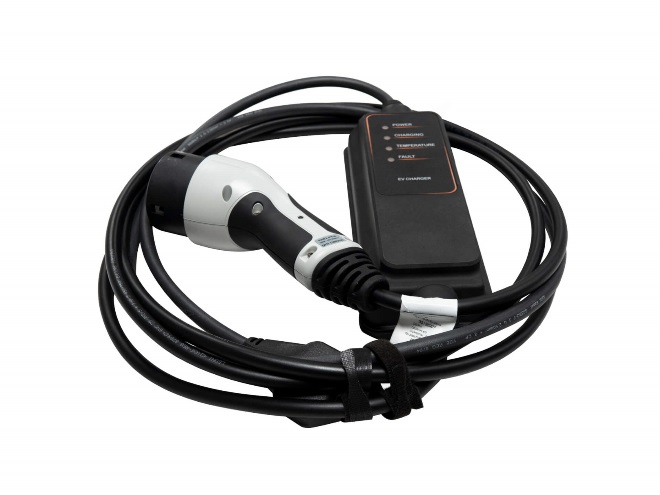
To learn more about electric vehicle charging at home-> Visit our Mode 2 charging cables product page.
Additionally, the onboard charger monitors voltage, current, temperature, and state of charge while charging for the safety of the electrical system and the driver.
To learn more about OE quality aftermarket EV parts you can trust, contact your Delphi representative today.
The Delphi Difference
-
100 years of OE experience, supplier to the world’s top automakers
-
OE heritage and knowledge built into every aftermarket part
-
Comprehensive portfolio for a wide range of vehicles and model years
-
Streamlined SKUs for easy inventory management
-
Support through tools, tips and training

Related product resources and downloads

Resource Highlights
Why do I need to perform a battery health check?
Some manufacturers insist on a battery health check as part of a vehicle’s annual service to maintain the warranty, others to extend it.
How do I plug in the diagnostic tool?
Find the vehicles OBD socket and plug in the Delphi DS180 or DS480 diagnostic tool.
How do I make sure the diagnostic tool is set to the right vehicle?
Enter the vehicles registration or VIN on the diagnostic tool to bring up the diagnostic data on it. Then, go to the EV control module and from here click through to the HV-battery regulation section. You can now connect to the vehicle and perform the diagnostic check.
How do I test the battery?
Choose to carry out the ‘Battery state of health’ test. Once you’ve selected it, simply click ‘Play’ and it will be performed.
What information does the test show me?
You can see all the individual battery cells in the car, the voltage they are all showing and the reference voltage that they should be within.

Visit our Technician Library for access to Documents and Downloads
Get in touch

Find out where to buy Delphi parts