
- Product Information
- Product Resources
- Enquire
- Related Products
Designed to provide safety and comfort while driving, Advanced Driver Assistance Systems (ADAS) are becoming increasingly common in latest generation vehicles. Visit our quick guide to learn more about the main systems available on the market today.
These vehicles can be equipped with over 10 different types of environment monitoring functions, utilizing different detection methods & sensors. These essential functions for both safety & comfort can need calibrating as a result of diagnostics, service, replacements, and repairs.

Empower safety with Delphi’ CRC-150 ADAS equipment
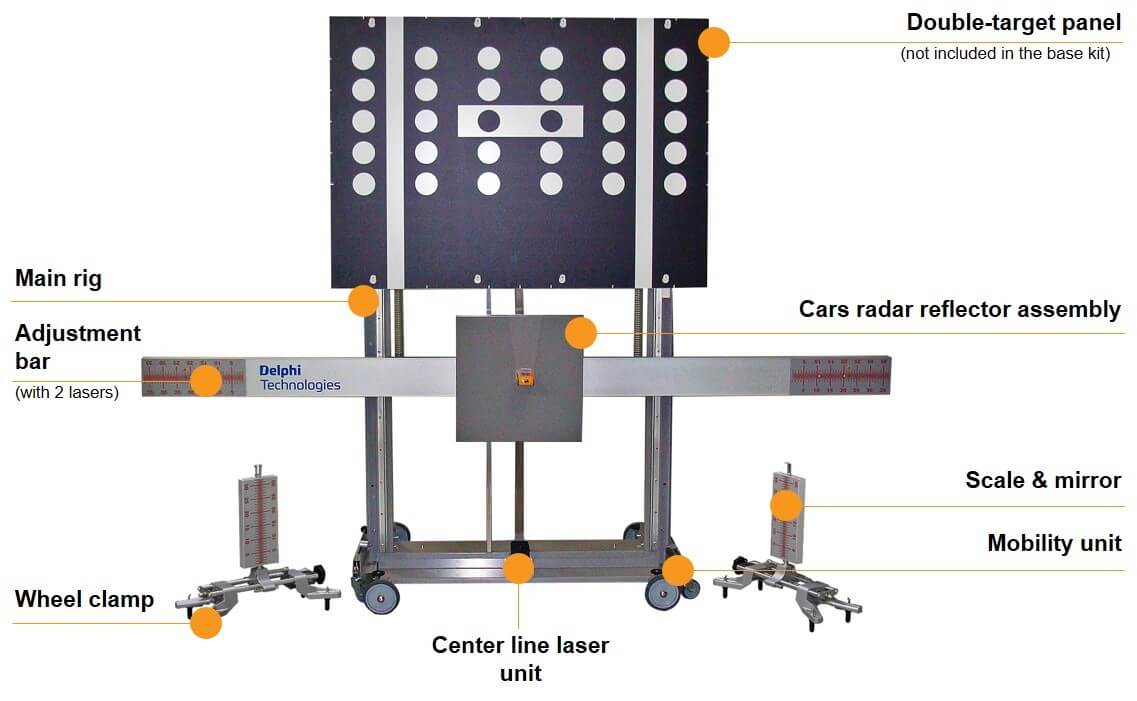
The universal modular equipment developed for the calibration of front sensor Advanced Driver Assistance Systems on multi-brand cars and commercial vehicles, designed to be used with the Delphi DS vehicle diagnostic tool.
Key features of the Delphi ADAS solution
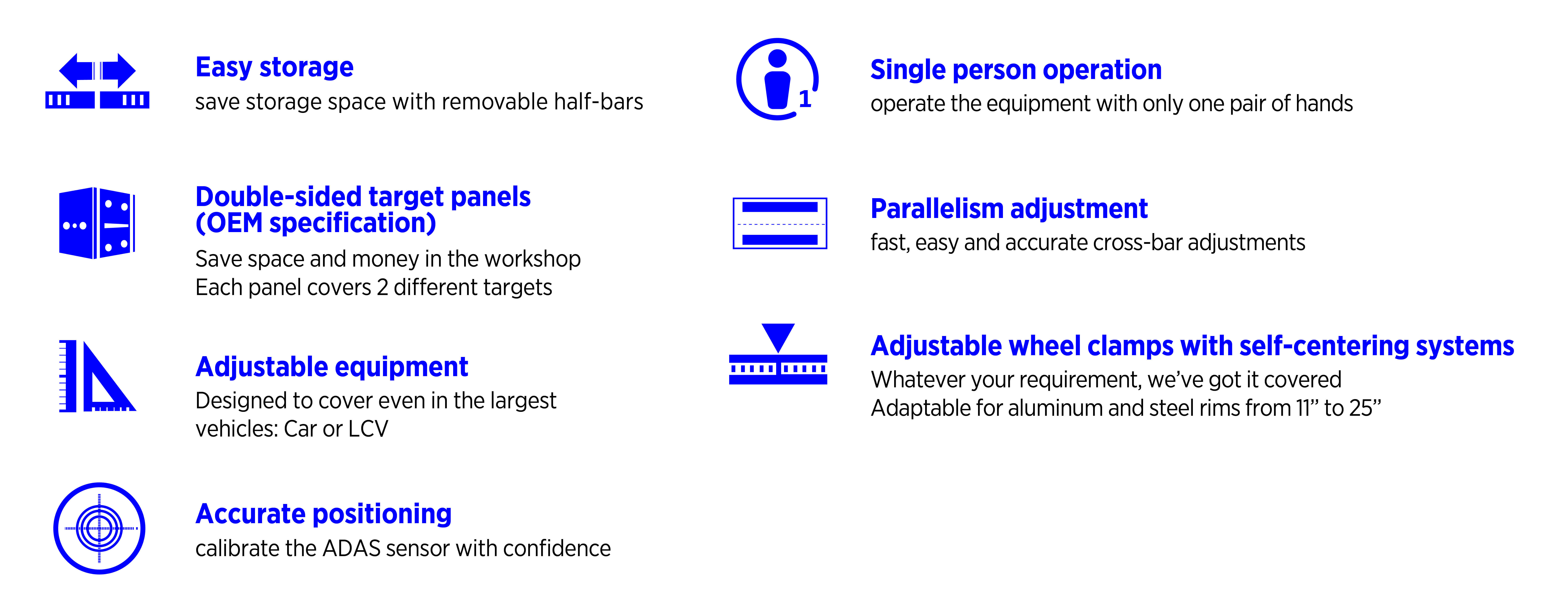
Delphi’ multi-brand, modular ADAS equipment and DS diagnostic software with integrated OEM procedures delivers garages a cost effective, flexible and accurate route into ADAS servicing. Read on to learn more about the key features of the Delphi ADAS calibration equipment (CRC-150).
Coverage for the Delphi ADAS solution
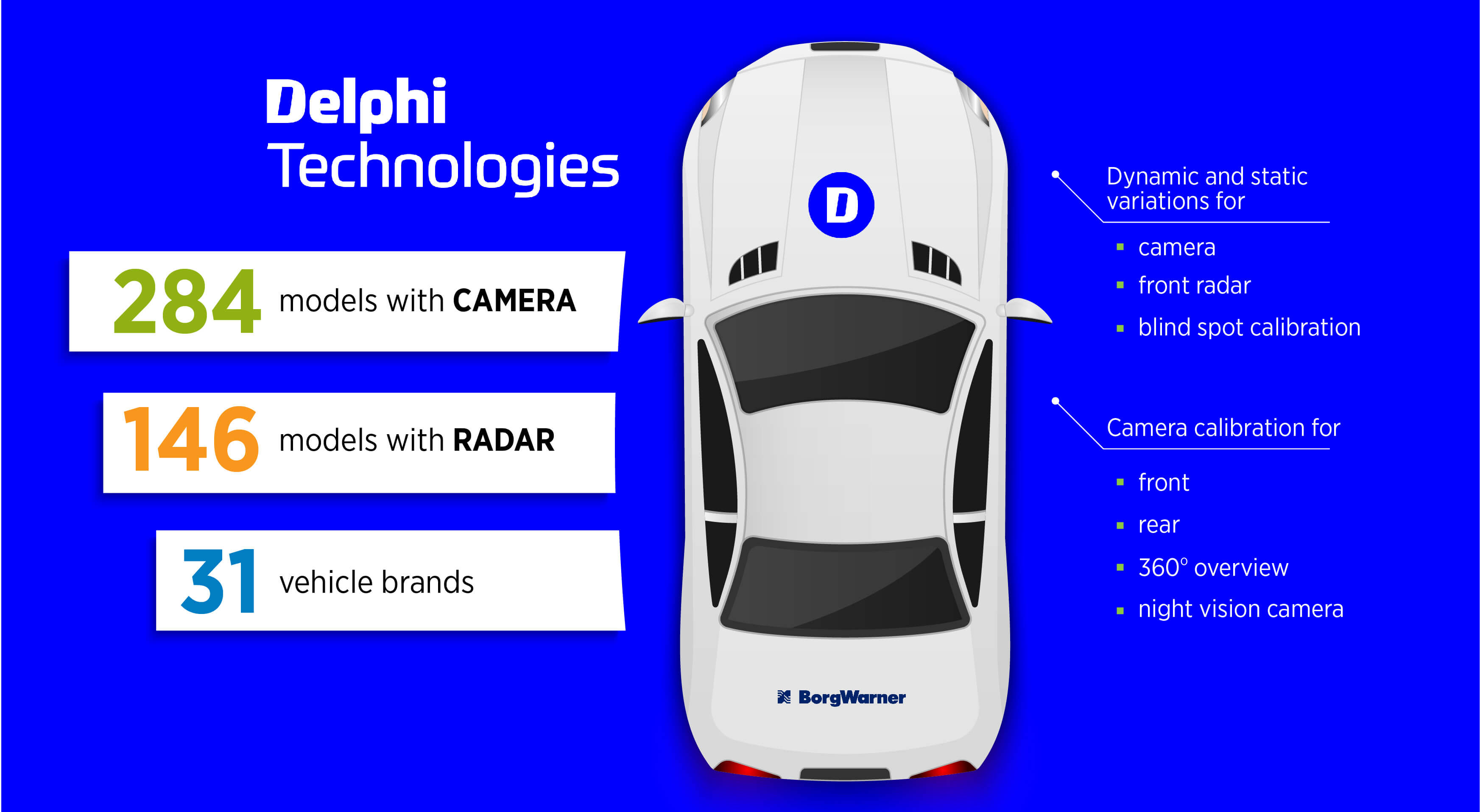
Delphi’ ADAS solution includes dynamic and static variations for front radar and blind spot calibration, as well as camera calibration for front, rear, 360o overview, and night vision camera. Covering 31 vehicle brands, 146+ models with radar, and 284+ models with camera, our continuous improvement program means our coverage will expand with subsequent software developments.
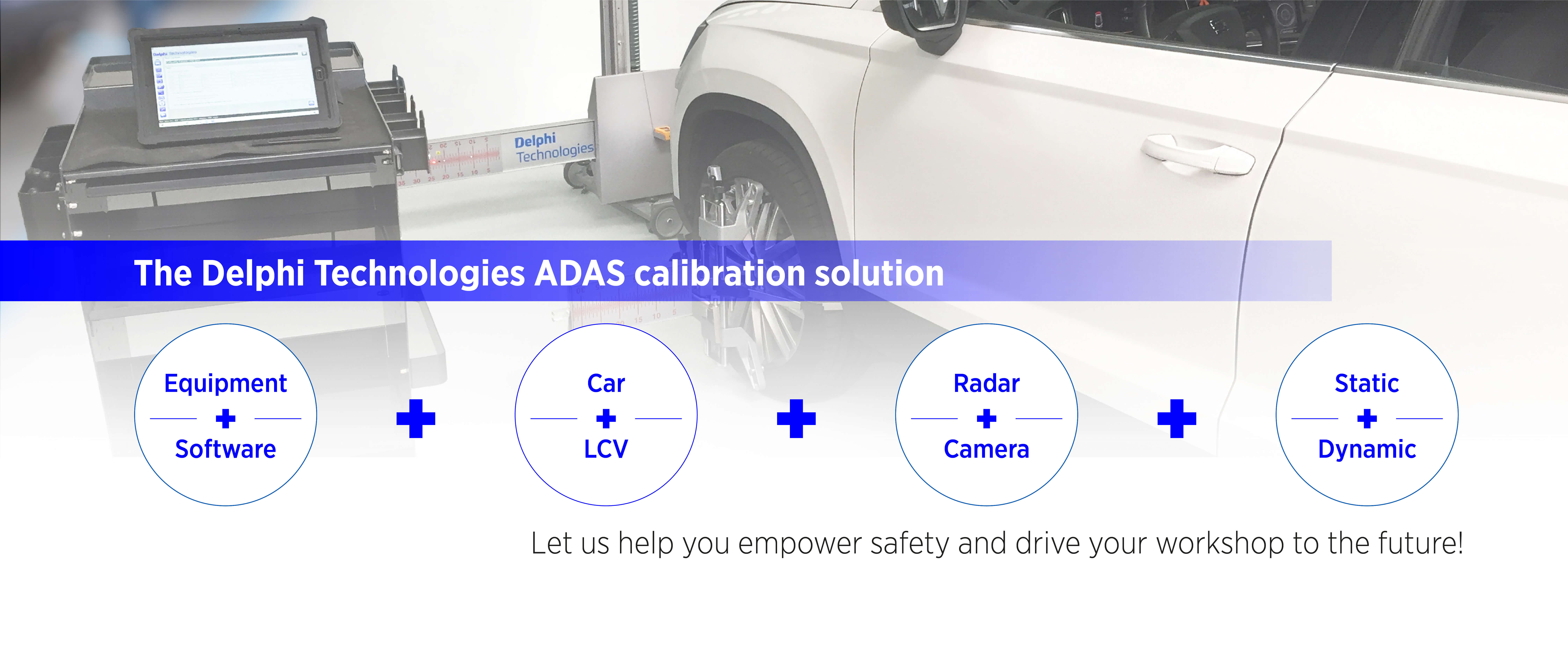
The comprehensive ADAS calibration solution from Delphi
Learn more about ADAS calibration in our brand new how-to video series
ADAS camera calibration
ADAS Type 1
ADAS Type 3
The Delphi Difference
-
100 years of OE experience, supplier to the world’s top automakers
-
OE heritage and knowledge built into every aftermarket part
-
Comprehensive portfolio for a wide range of vehicles and model years
-
Streamlined SKUs for easy inventory management
-
Support through tools, tips and training

Related product resources and downloads
Resource Highlights
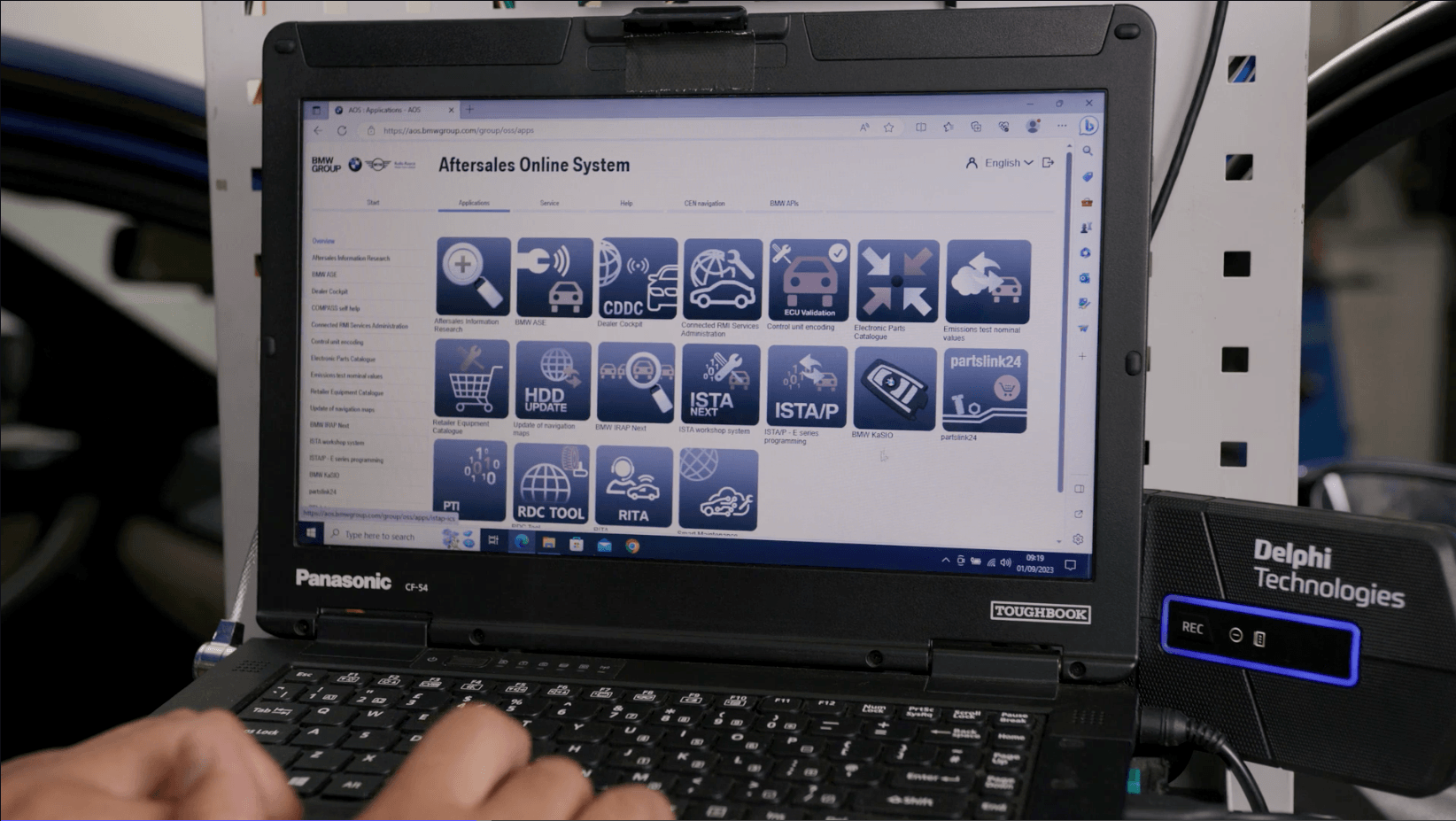
The BMW iDrive can occasionally be a tricky item when it comes to updating service history. There are a few things that you should look out for when performing an update on the BMW iDrive.
Check out this guide from the experts at Delphi, where we’ll show you:
What the Aftermarket Online System (AOS) is used to record
How to add the service history to the BMW iDrive
What to do if the BMW ConnectedDrive contract has expired
Can any mechanic or independent garages update the BMW iDrive service history?
Yes, any garage or technician can register with BMW to be able to update the iDrive service history. You will need a valid BMW AOS account, and a diagnostic tool with a J2534 pass-through functionality, such as the Delphi DS480 and DS180.
What does ISTA mean and do I need to connect to it?
ISTA means Integrated Services Technical Application – it is the diagnostic software used in BMW vehicles. You’ll need to use it as the bridge between KaSio and the iDrive if the ConnectedDrive contract has expired. ISTA needs a licence which can be purchased for as little as one hour’s use.
How long does updating the BMW iDrive service history take?
At first, updating the BMW iDrive service history can look like a difficult and time-consuming task. But the more you get used to the process, the easier it gets – and the less time it will take.

Visit our Technician Library for access to Documents and Downloads
Get in touch

Find out where to buy Delphi parts