
- Product Information
- Product Resources
- Enquire
- Related Products
Designed to provide safety and comfort while driving, Advanced Driver Assistance Systems (ADAS) are becoming increasingly common in latest generation vehicles. Visit our quick guide to learn more about the main systems available on the market today.
These vehicles can be equipped with over 10 different types of environment monitoring functions, utilizing different detection methods & sensors. These essential functions for both safety & comfort can need calibrating as a result of diagnostics, service, replacements, and repairs.

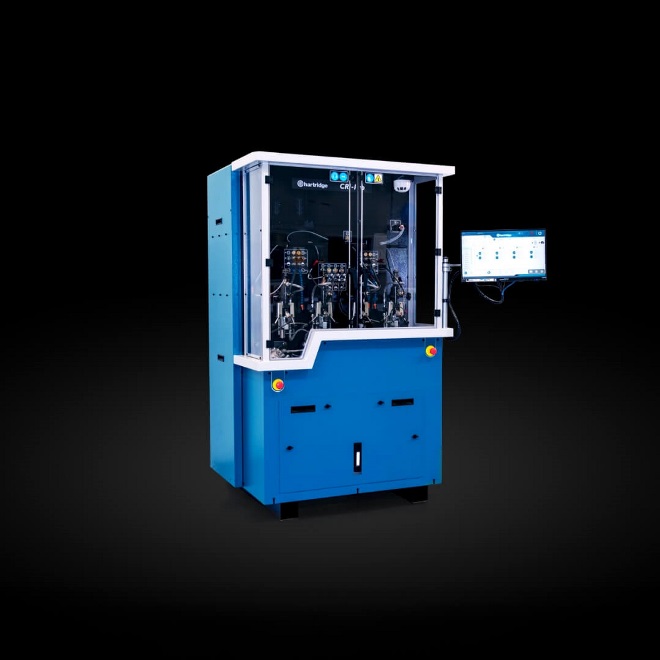
Empower safety with Delphi’ CRC-150 ADAS equipment
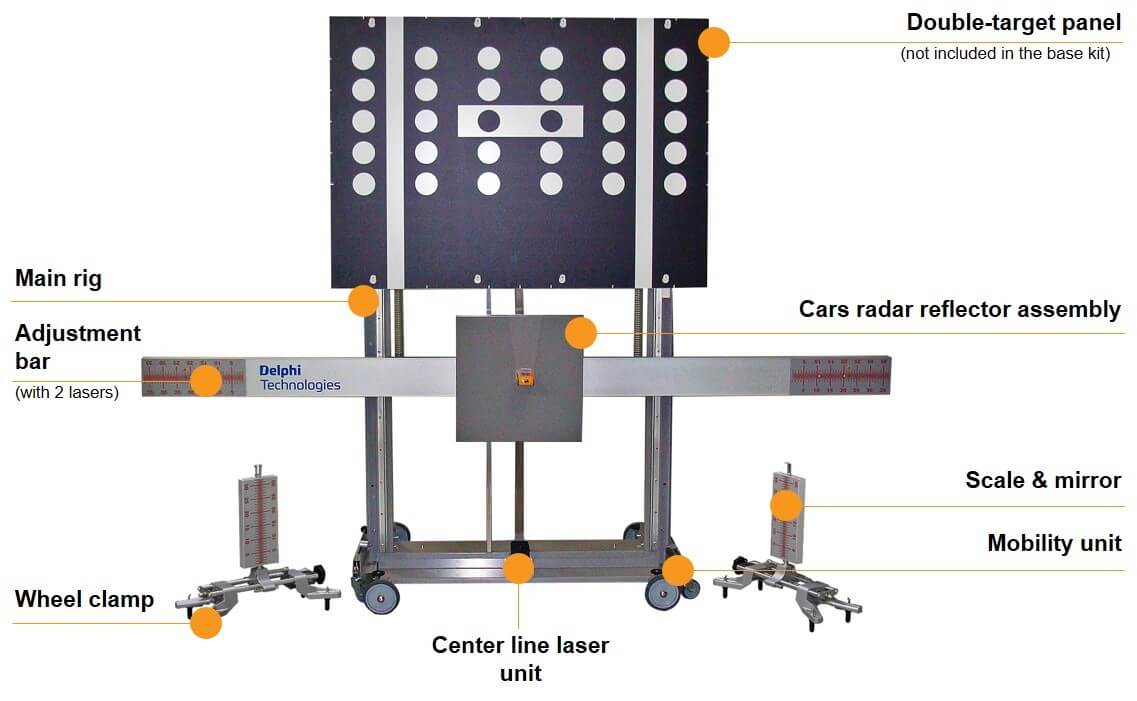
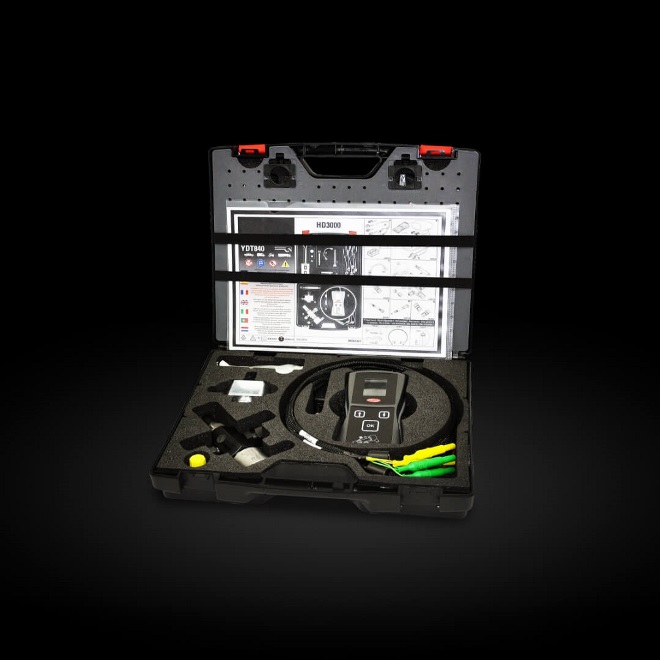
The universal modular equipment developed for the calibration of front sensor Advanced Driver Assistance Systems on multi-brand cars and commercial vehicles, designed to be used with the Delphi DS vehicle diagnostic tool.
Key features of the Delphi ADAS solution
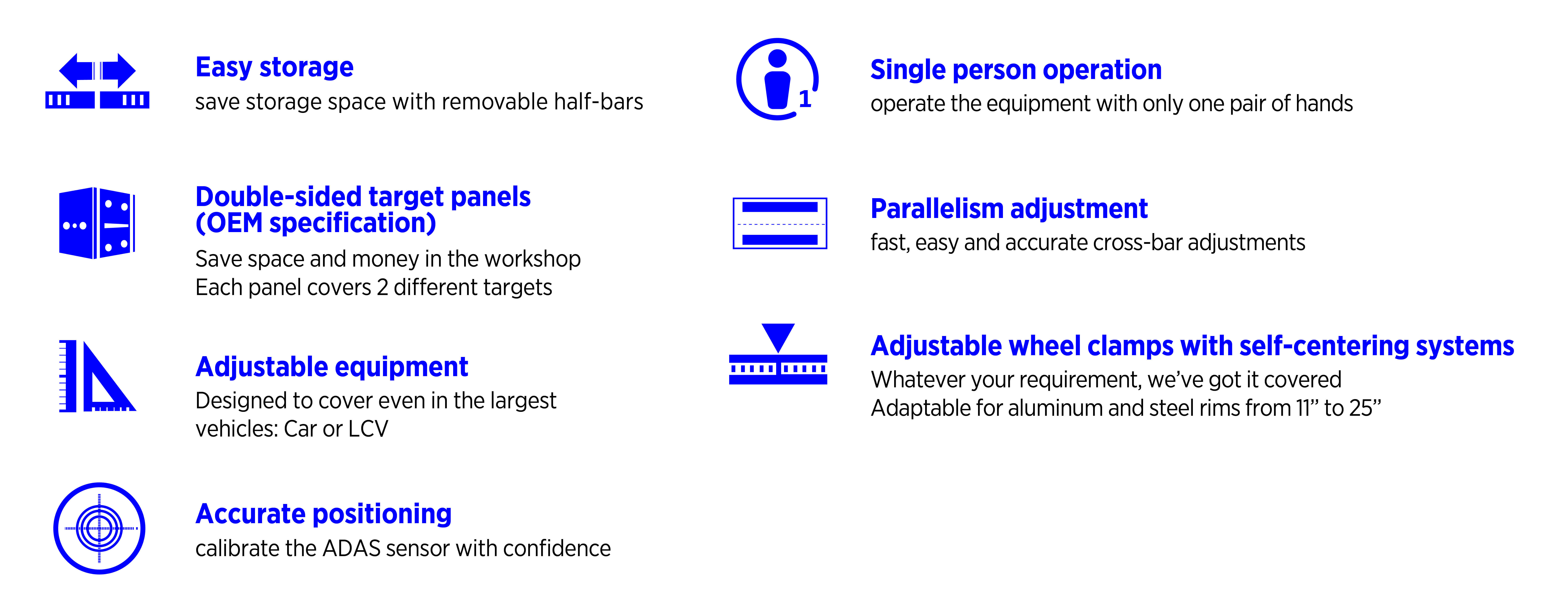
Delphi’ multi-brand, modular ADAS equipment and DS diagnostic software with integrated OEM procedures delivers garages a cost effective, flexible and accurate route into ADAS servicing. Read on to learn more about the key features of the Delphi ADAS calibration equipment (CRC-150).
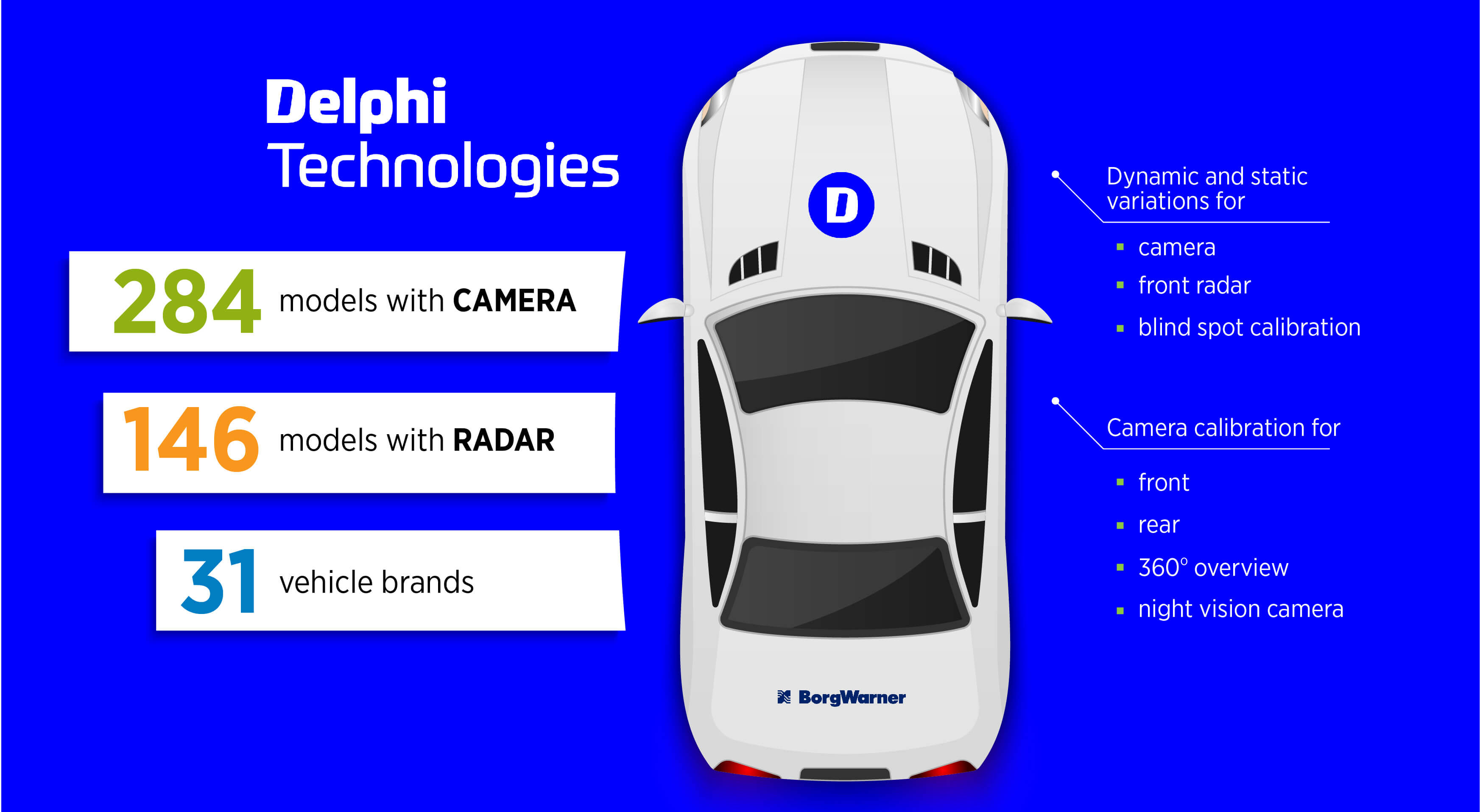
Coverage for the Delphi ADAS solution
Delphi’ ADAS solution includes dynamic and static variations for front radar and blind spot calibration, as well as camera calibration for front, rear, 360o overview, and night vision camera. Covering 31 vehicle brands, 146+ models with radar, and 284+ models with camera, our continuous improvement program means our coverage will expand with subsequent software developments.
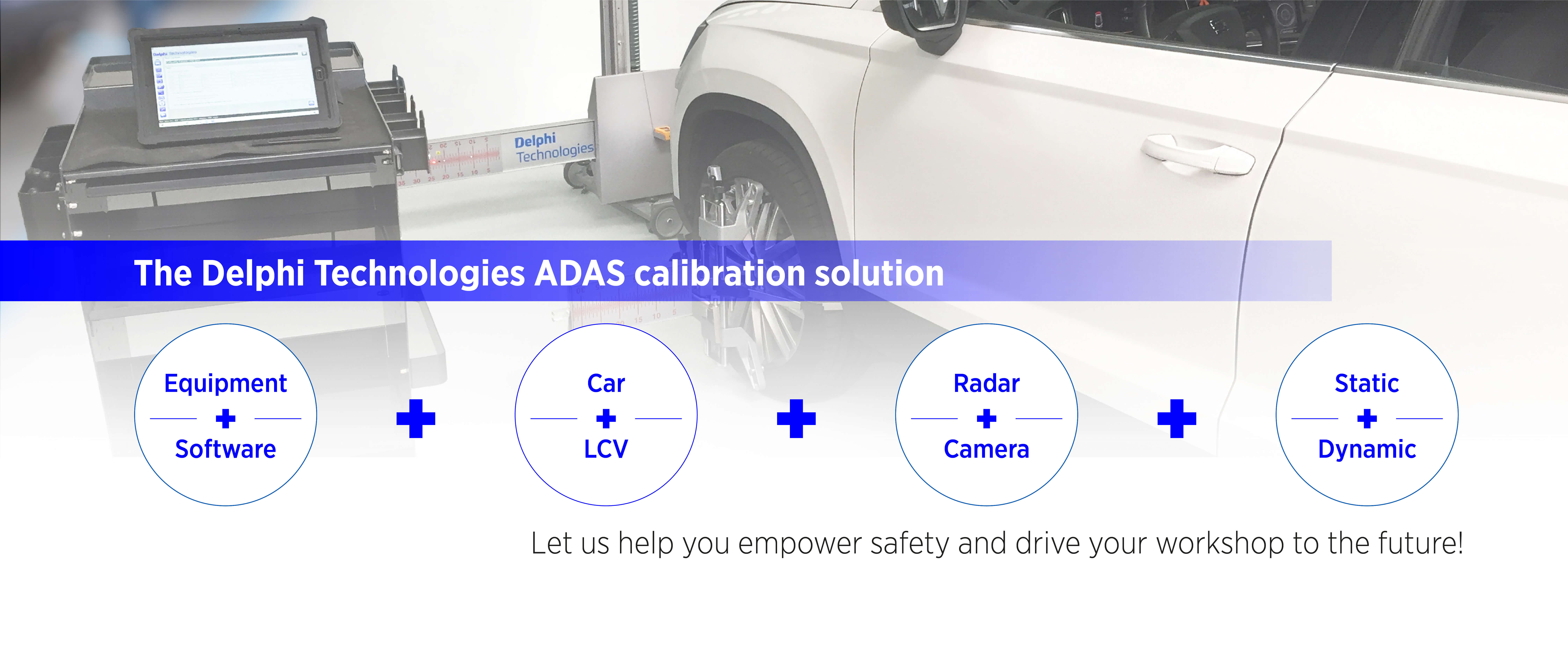
The comprehensive ADAS calibration solution from Delphi
Learn more about ADAS calibration in our brand new how-to video series
ADAS camera calibration
ADAS Type 1
ADAS Type 3
The Delphi Difference
-
100 years of OE experience, supplier to the world’s top automakers
-
OE heritage and knowledge built into every aftermarket part
-
Comprehensive portfolio for a wide range of vehicles and model years
-
Streamlined SKUs for easy inventory management
-
Support through tools, tips and training

Related product resources and downloads

Resource Highlights
Here we’re learning out all about the secure gateway – what it is, what it does, and how to disable it so you can perform routine maintenance on a vehicle.
We’re using a Skoda Octavia as an example, and the rear brake pads need replacing. It should be a simple job, except that the car is gateway-protected. It’s a system that began to feature on new cars in 2017.
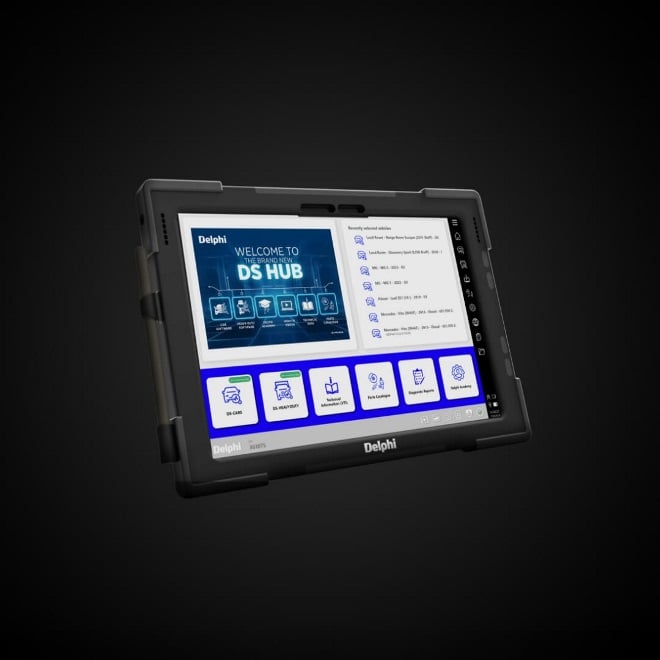
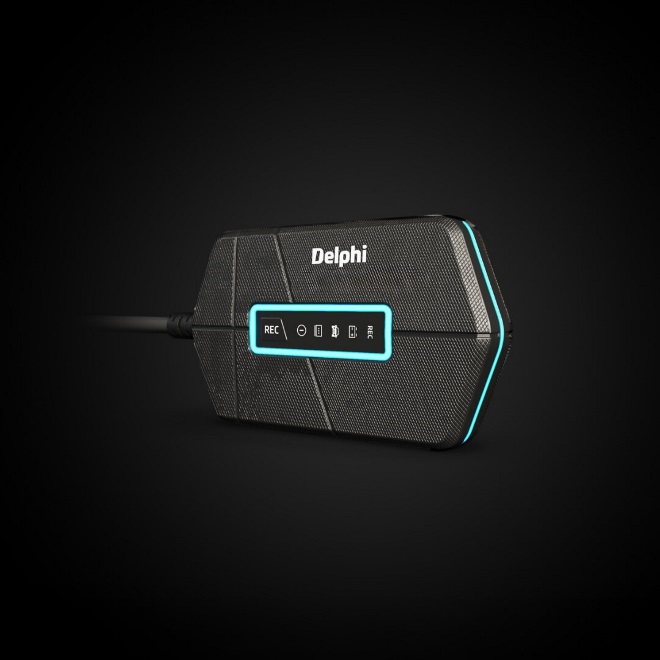
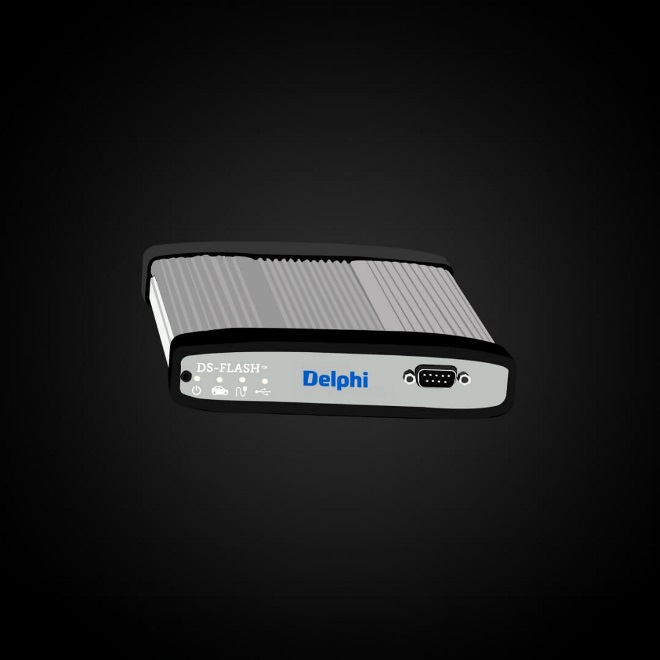
Phil, our Delphi expert, shows you to use the Delphi diagnostic tool to log into and access the gateway that’s stopping you from uploading useful information to the car and getting the job done. Using a Delphi VCI and tablet, he explains:
What the gateway is
How to use the Delphi system to unlock it
The Authentication Token System, and how it works
Do I need any special equipment to unlock the gateway?
You’ll just need a Delphi VCI tool and a linked tablet or laptop.
Do I need a different secure gateway password for every vehicle manufacturer?
Not with Delphi’s system. One registration and set of login details will help you to unlock the secure gateway for all manufacturers.
Once I’m past the secure gateway, how do I find the right function I need to change?
Simple. Use Delphi’s new quick find capability to take you straight to the relevant function and make the change you need.
Do I need to lock the gateway once I’ve made the necessary changes and repairs?
Yes. Watch the video above which explains how it’s done.

Visit our Technician Library for access to Documents and Downloads
Get in touch


Find out where to buy Delphi parts